How MountainEars works
A safety companion for anyone heading out on the mountain — built to keep the people who care about you informed, and to keep working even where the signal doesn't.
Start an activity
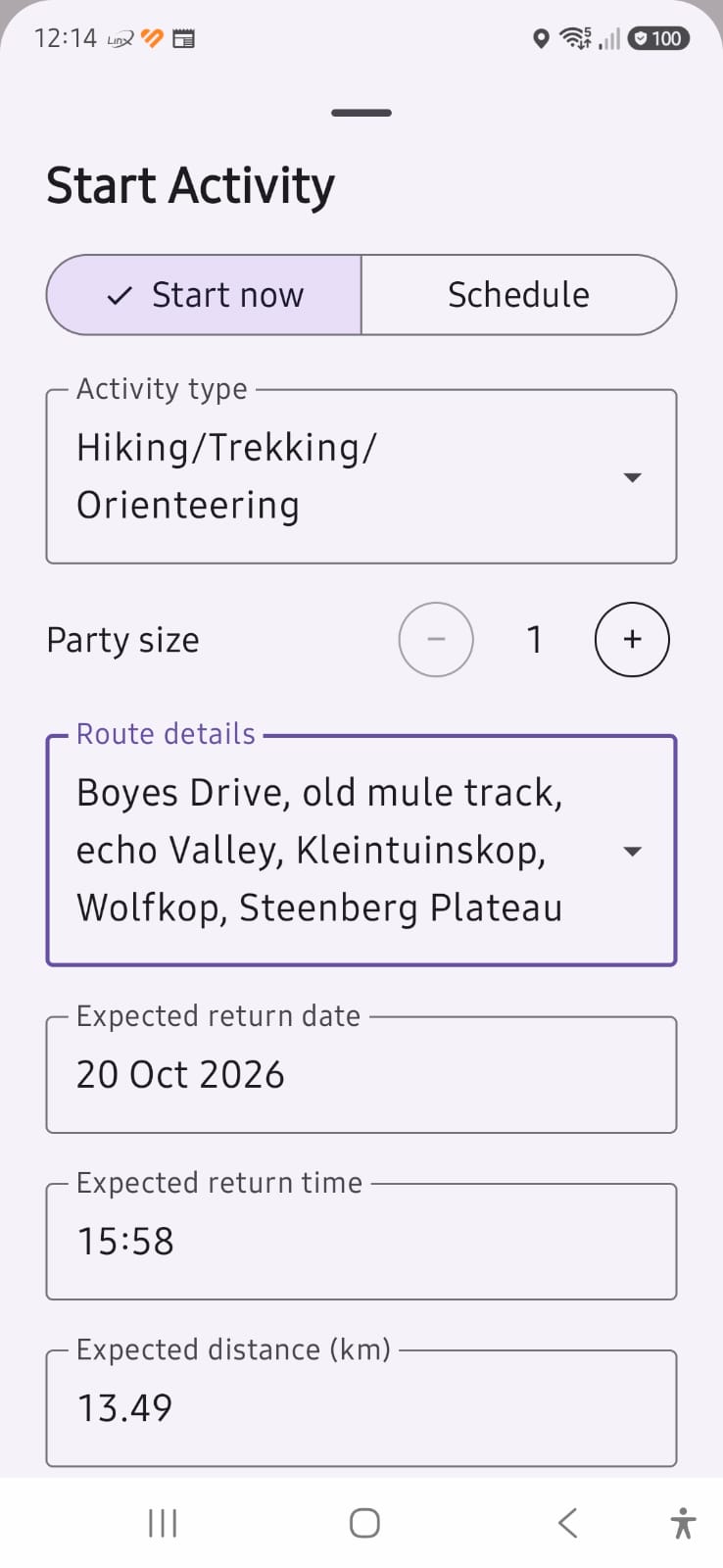
Before heading out, start an activity and tell the app when you expect to return.
Your route and location are recorded automatically and shared with your approved trackers, helping them know where you are and whether you're progressing safely.
Even if mobile coverage is lost, the app continues working and synchronises when connectivity returns.
Stay connected with trusted trackers
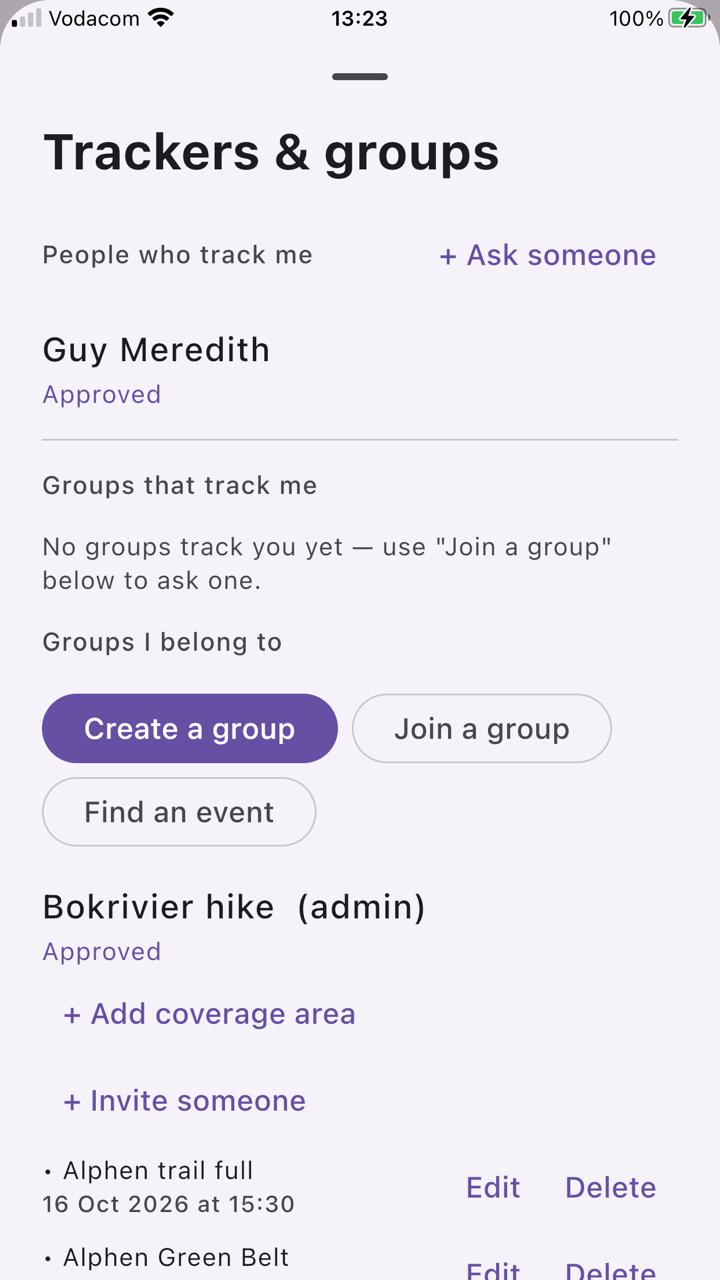
Choose the people or groups who should be able to monitor your activities. Trackers may include:
- Family members
- Partners or spouses
- Hiking clubs and running groups
- Event organisers
- Mountain safety organisations
- Volunteer rescue support groups
They can see when you're active, where you are, and whether your activity is progressing as expected.
Welfare monitoring
The app doesn't only watch for overdue activities.
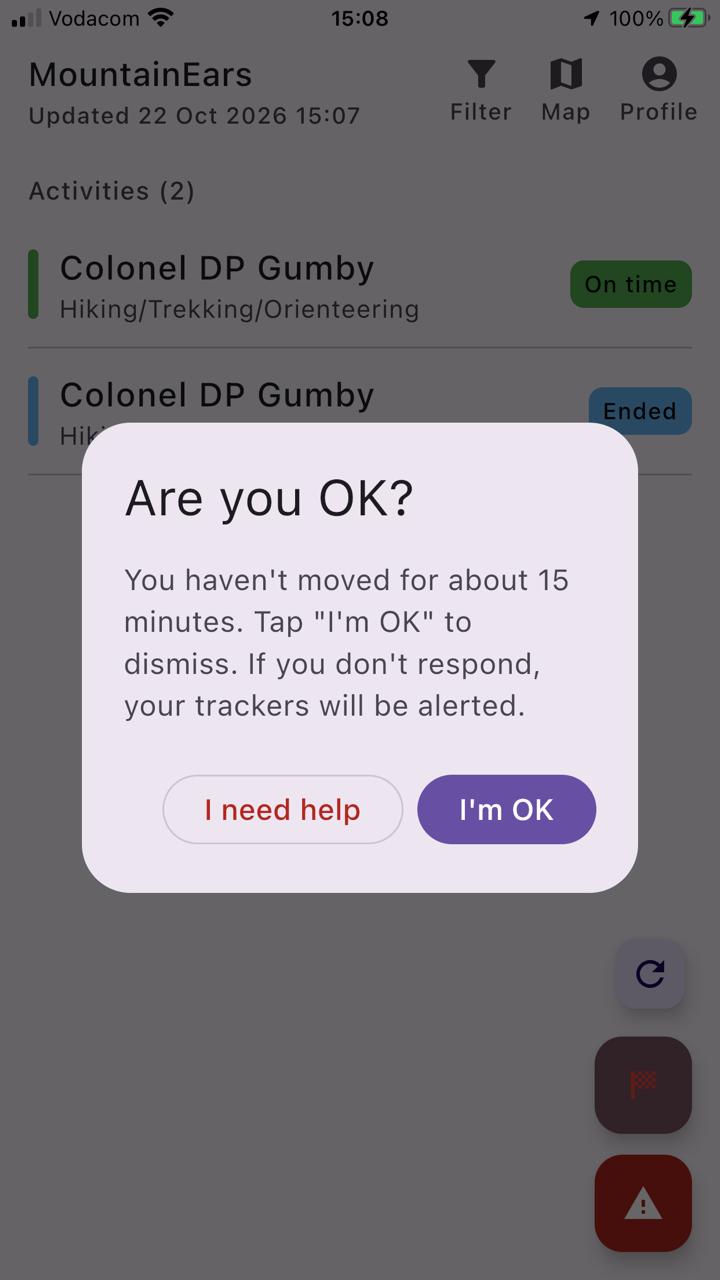
If prolonged periods of inactivity are detected, the app checks in with you to confirm that everything is alright.
A simple response provides reassurance to the people monitoring your progress, and may prevent unnecessary concern.
Share hazards and incidents
Mountain safety is about more than your own activity. Users can raise alerts relating to:
- Damaged trails
- Fallen trees
- Fires or smoke sightings
- Dangerous wildlife activity
- Criminal incidents
- Injuries
- Other hazards affecting outdoor users
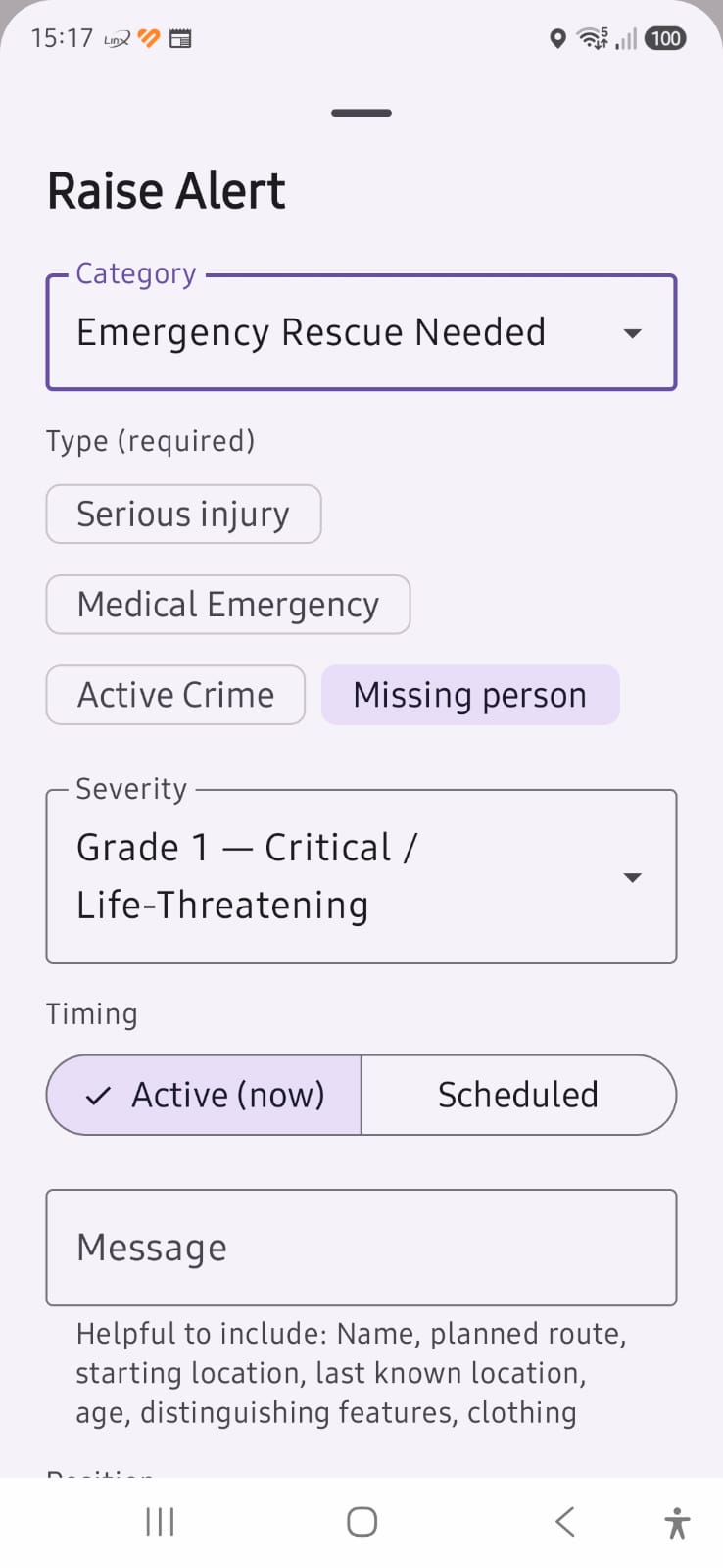
Alerts can include a category, severity level, description, photos, and ongoing updates — helping others make safer decisions before and during their activities.
Record emergency contacts for when you need them
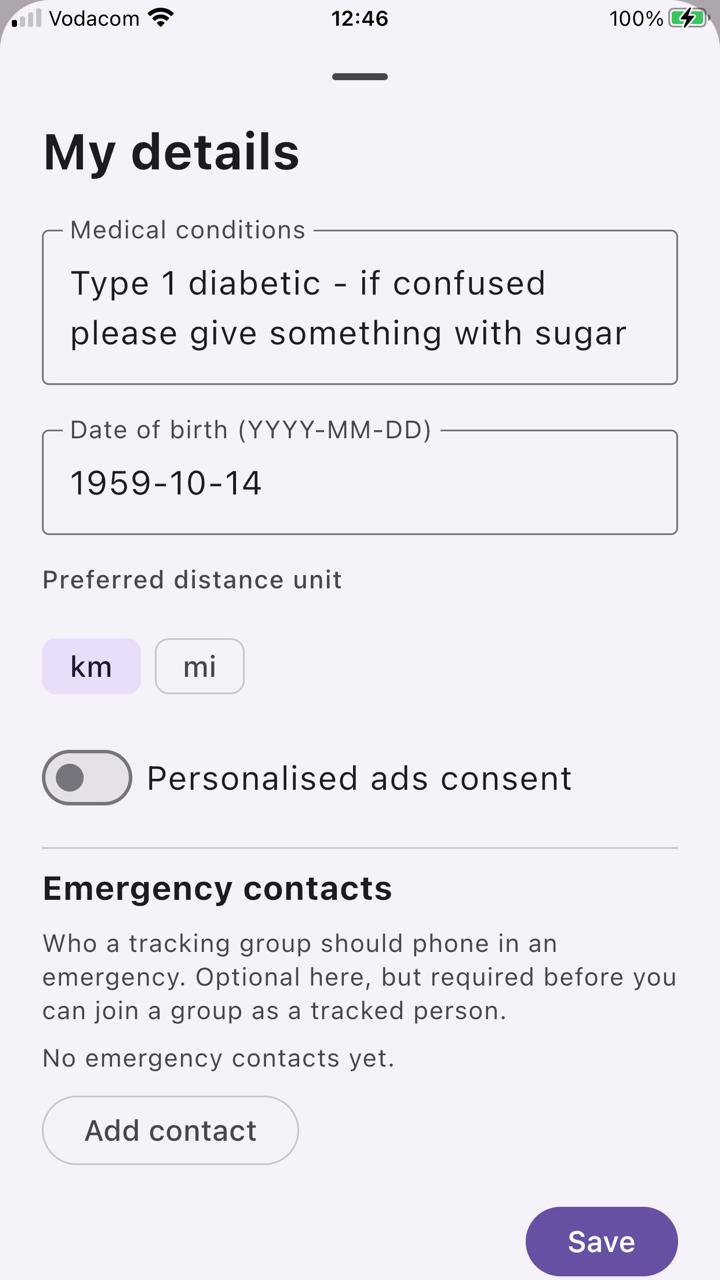
The app allows the storing of emergency contact numbers, helping users quickly find and dial the most appropriate point of contact when assistance is required.
Designed for the realities of the outdoors
Mobile coverage is often unreliable in mountainous terrain. MountainEars has been designed to continue functioning when offline — core functions remain available, including:
- Activity tracking
- Route recording
- Alert creation
- Activity completion
Data is synchronised automatically once connectivity returns.